How to pick a template
| You bill | Use | Why |
|---|---|---|
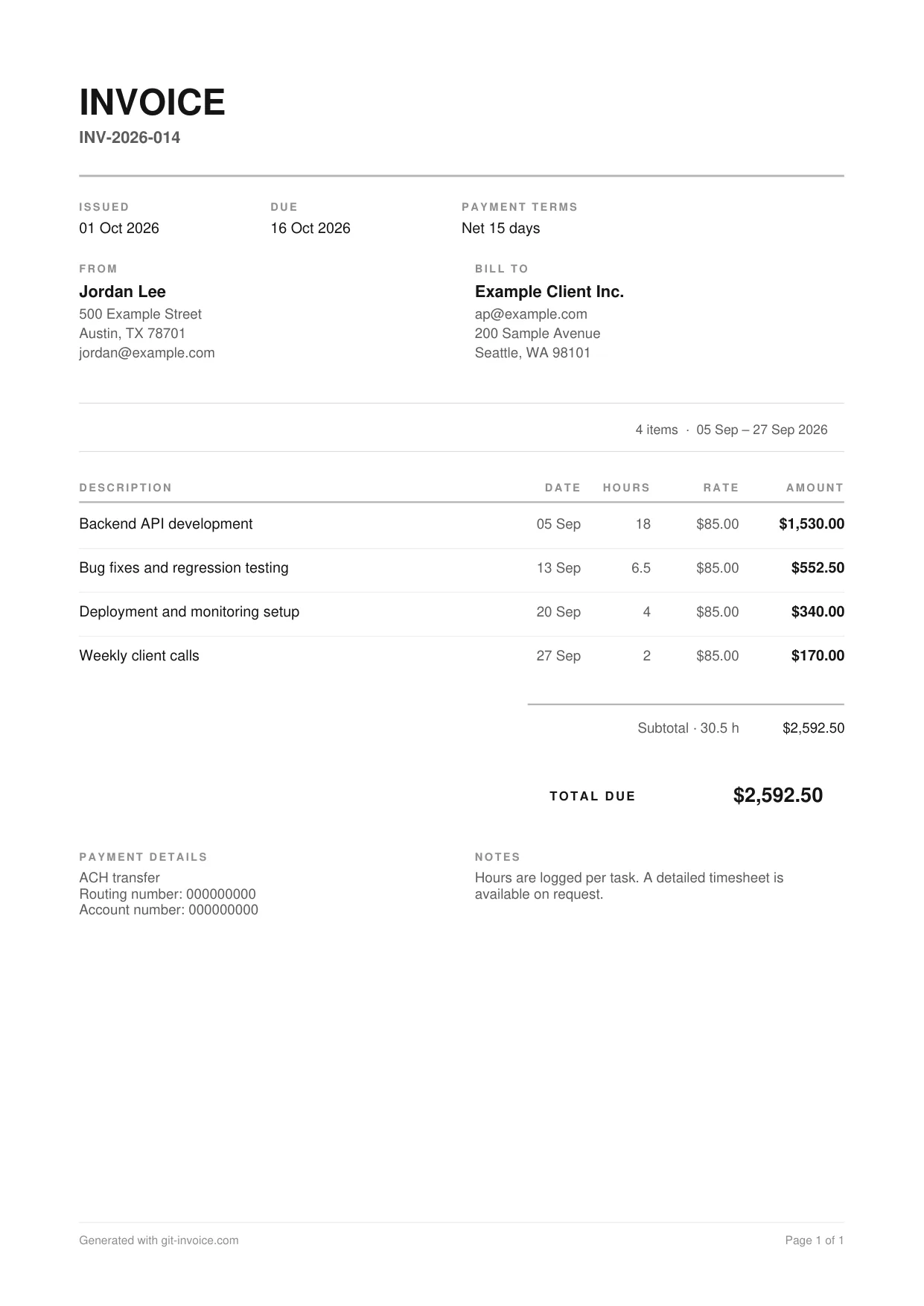
| Time, task by task | Hourly | Date, hours, rate and amount per line, total hours next to the subtotal |
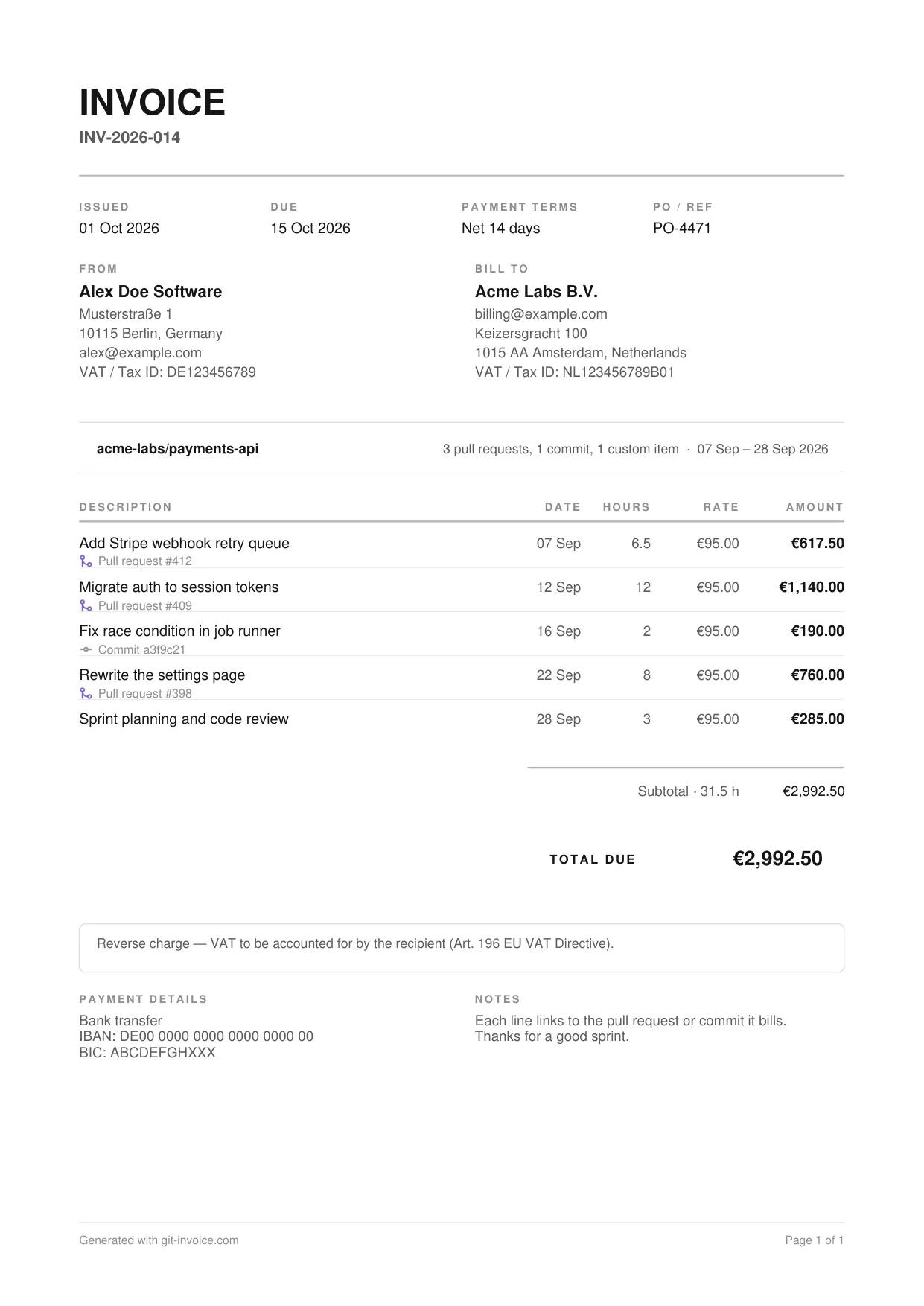
| Code you shipped | Freelance developer | Each line names the pull request or commit it bills |
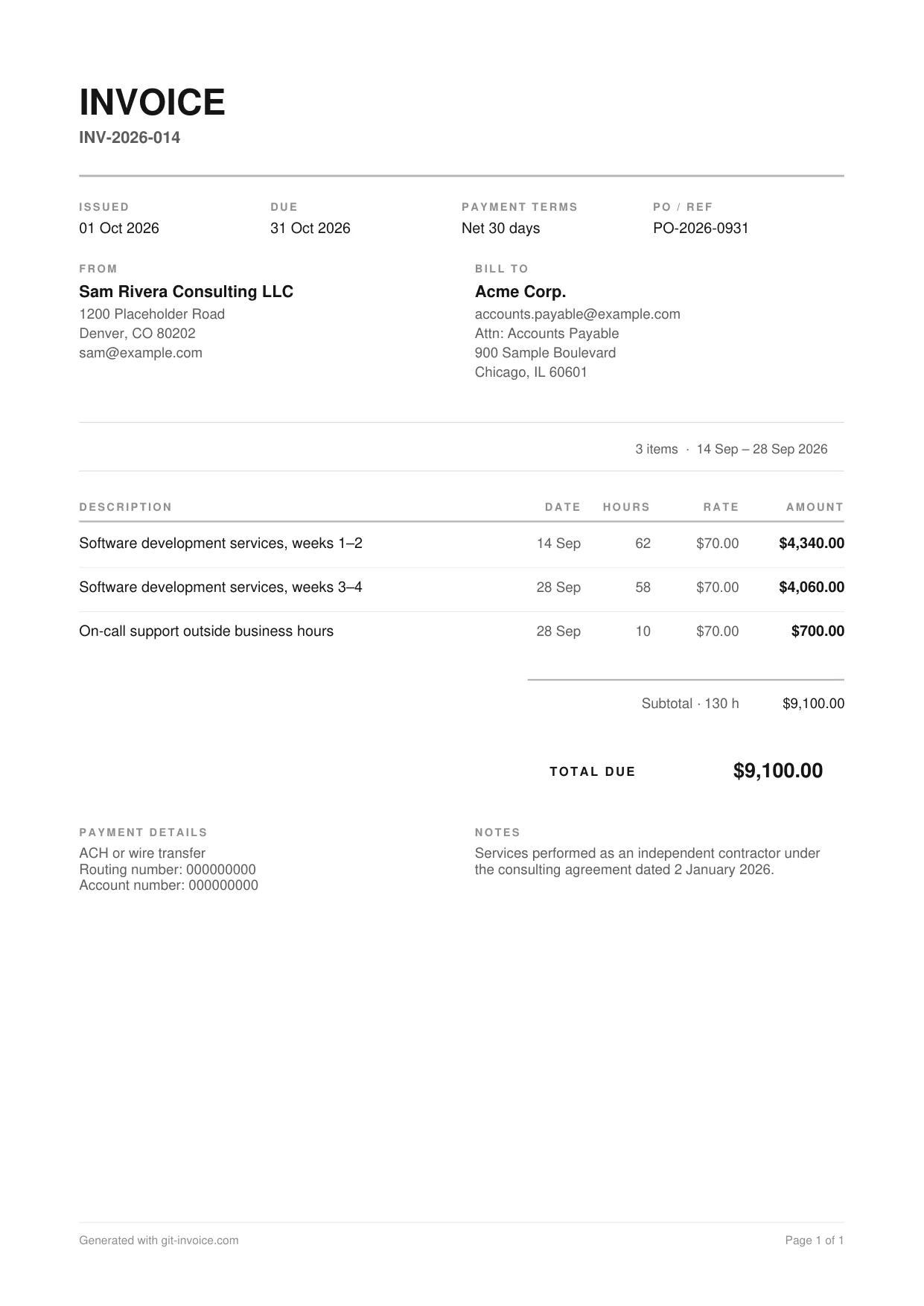
| A month of contract work | Independent contractor | Purchase order, contract reference and Net 30 terms up front |
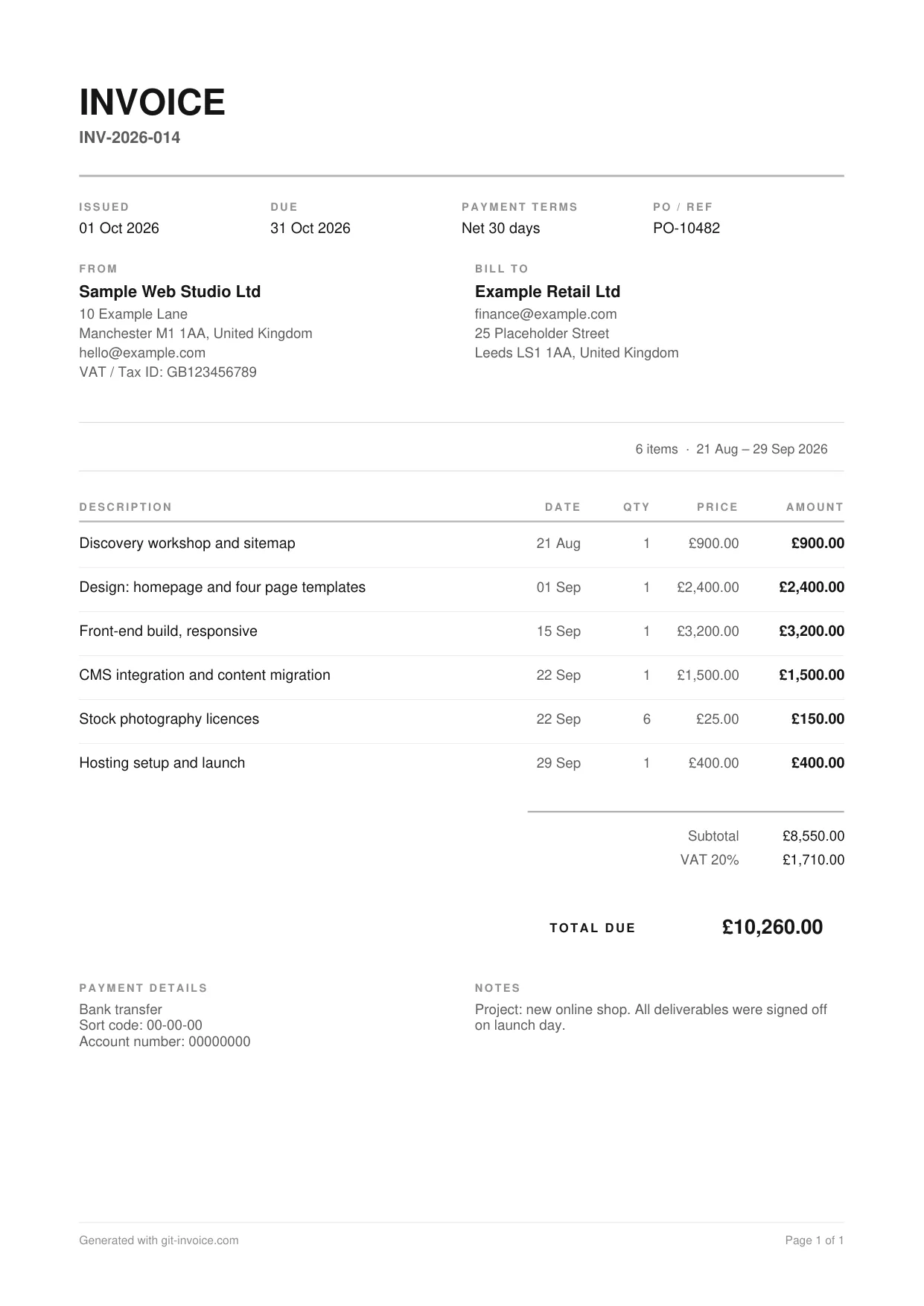
| An agreed project price | Web development | Deliverables with quantity and price, no hours |
What every template has in common
- An invoice number, an issue date and a due date at the top
- Seller and client blocks with room for VAT or tax IDs
- Line items with a date each, so the billing period is visible
- Subtotal, optional discount, optional tax line and a total that stands out
- A box for the tax statement when no tax is charged
- Payment details and a note to the client at the bottom
All four are A4 and stay on one page for typical invoices. Longer invoices continue on a second page with the table header repeated.
From template to finished invoice
- Open a template and choose “Fill in online”.
- Replace the sample parties, lines and payment details with your own.
- Check the preview, which is the real PDF, and download it.
Prefer to start from an empty form? Go straight to the invoice generator. If your work lives in GitHub, Git Invoice fills in the lines from your pull requests and commits.
Questions and answers
Are the templates free?
Yes. The sample PDFs can be downloaded without an account, and the online generator that fills them in is free as well.
Can I edit a template?
Open it with “Fill in online”. The generator loads the sample data, you replace it with your own and download the finished PDF.
Which template should I use?
Use the hourly template when you bill time, the web development template when you bill agreed deliverables, the contractor template when the client needs a purchase order and contract reference, and the freelance developer template when your lines should point at pull requests and commits.
Is there a Word or Excel version?
No. The templates are PDFs produced by the same engine as the app, so the file you download looks exactly like the preview. Changes are made in the generator rather than in a document editor.